My Google Reviews: A Complete User Guide
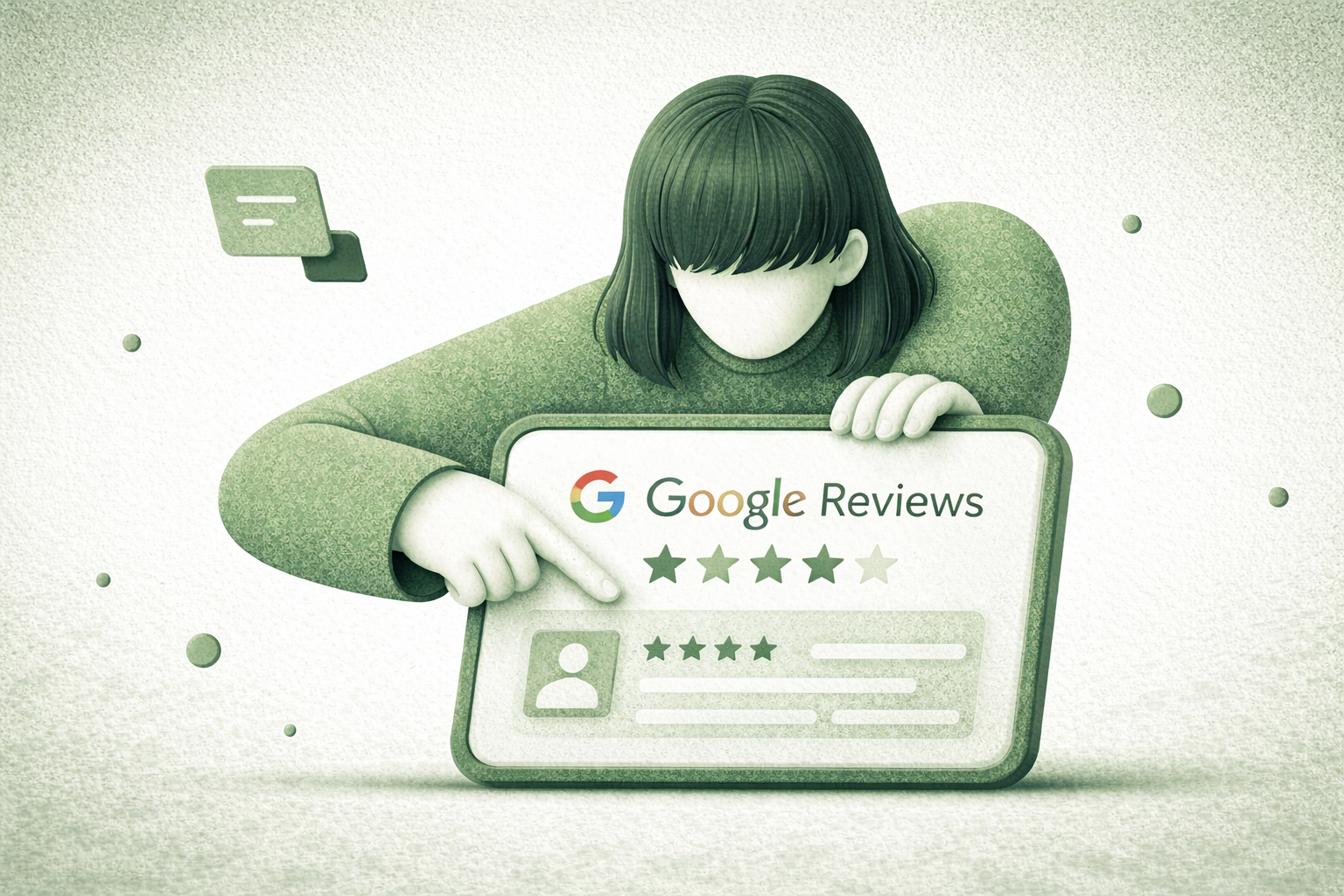
Personal digital footprint online is primarily formed through active interaction with local businesses and services via Maps. Your own comments in the Google system are not only a way to express gratitude or dissatisfaction but also a critical tool for shaping an objective, real-time rating of establishments. Understanding how to correctly structure and update this data allows users to maintain the high quality of the information environment and timely correct outdated information for other community members, positively impacting the overall reliability of the services.
Methods for viewing and searching published reviews
Searching for left comments requires knowledge of specific tools integrated into the ecosystem of the search engine and mapping service. Google offers several levels of access to personal activity history, allowing you to quickly find a specific post among hundreds of other publications over a certain period without needing to browse each point on the map individually.
To effectively manage your own texts, there are proven ways to access data that help the user navigate large volumes of information and find specific interactions with organizations:
- Using a direct search query in the Google search bar with the phrase "my reviews", which activates a special widget with personal statistics.
- Accessing via the Google Maps mobile app in the user contributions section, where a full chronology of interactions with organizations is displayed.
- Navigating to the My Activity section in Google account settings, where all records related to search and commenting history are stored.
- Using the side menu in the desktop version of Maps for quick navigation to a list of all rated objects and places.
The system archives every entry, adding the publication date, the number of views by other users, and the current display status in the public space. It is important to remember that the interface may differ slightly depending on the device, but the logic of data storage remains unchanged. This allows for analyzing the usefulness of your own contributions based on feedback from the community.
Technology for editing and deleting information
Changing your own opinion or correcting a factual error is a fundamental function of the service, ensuring the database remains relevant in the long term. Users have full control over their content, including the ability to radically change a rating or completely remove an entry from the public space at any time without a prior request to the administration.
The process of making changes to existing publications usually involves several consecutive steps that allow the user to update data or completely remove it from the system, ensuring the accuracy of information provided to others:
- Identifying the required review in the general list of your contributions through the Maps interface.
- Clicking the additional options button, usually marked with three vertical dots next to the publication date.
- Selecting the text editing action, which opens a field for entering new data and changing the star rating.
- Confirming the information update, after which the system automatically replaces the old version with the new one in all public results.
- Final deletion of the entry if the information has lost its relevance or was published by mistake.
Server information updates may take from a few seconds to several hours, so changes are not always reflected instantly for all visitors to the establishment's page. Keep in mind that after clicking the delete button, the data disappears forever and cannot be restored through customer support. Editing allows you to fix typos or supplement a comment with new details after a repeat visit to a location.
Reasons for visibility restrictions and moderation status
Automatic content verification works in real-time, analyzing every new or modified entry for compliance with strict internal standards. Sometimes a perfectly correct text may be filtered due to specific factors that algorithms identify as a potential security violation or an attempt to manipulate a company's rating by interested parties.
The main factors affecting the hiding of your publications or their move to restricted access status are the following security parameters defined by the service developers:
- Presence of links to third-party resources, phone numbers, or calls to visit other commercial websites within the text.
- Use of profanity, aggressive language, or discriminatory comments regarding staff or customers.
- Suspicious account activity, such as publishing a large number of reviews in a short time across different regions.
- Complaints from business owners or other visitors regarding the unreliability of stated facts or copyright infringement in photos.
- Conflict of interest, where algorithms suspect the author of links to competitors or an interest in artificially inflating a rating.
Moderation status may change over time if the system revises its filters or if you edit the text by removing controversial fragments. If your review is marked as private, it will be visible only to you in the personal contributions section but will not appear in the establishment's overall rating. It is important to remain objective and avoid excessive emotional coloring for successful content publication.
Managing photos and videos within a review
Visual evidence of experience often carries more weight for a broad audience than a text description, which is why media management is highlighted as a separate feature. The user can independently decide which frames will accompany their opinion and change them as needed to update the object's visual sequence or clarify details of the interior or menu.
Working with media content within personal publications involves several key management aspects that allow for adjusting the visual sequence according to the current state of the location:
- Adding new shots to an existing text message through the contributions editing menu.
- Deleting individual photos that no longer reflect the real state of the establishment or were added by mistake.
- Checking the number of views for each individual image, which allows for assessing the popularity of your visual content.
- Compliance with technical requirements for resolution and file format for correct display across various devices.
High quality visual content significantly increases trust in your profile and helps other travelers navigate the space faster when choosing the best locations to visit. All uploaded photos undergo an automatic check for the presence of faces of strangers and relevance to the theme of the place.
Author profile privacy settings
Personal data protection and control over what specific information strangers see is a priority for many active web users. Profile settings allow for flexible regulation of the level of publicity, hiding or opening a full list of your activity to visitors of your personal page in Maps services, ensuring the necessary level of anonymity.
In the specialized personal data settings section, each user can independently change the following privacy elements for better control over their profile:
- Visibility of the list of all left reviews — the list can be made available to everyone or restricted to yourself only.
- Display of name and avatar next to public posts, which directly affects the author's recognition.
- Participation in the Local Guides program, which adds special badges to your name depending on your activity level.
- Notification settings for other users' reactions to your comments and photos.


